Step 1
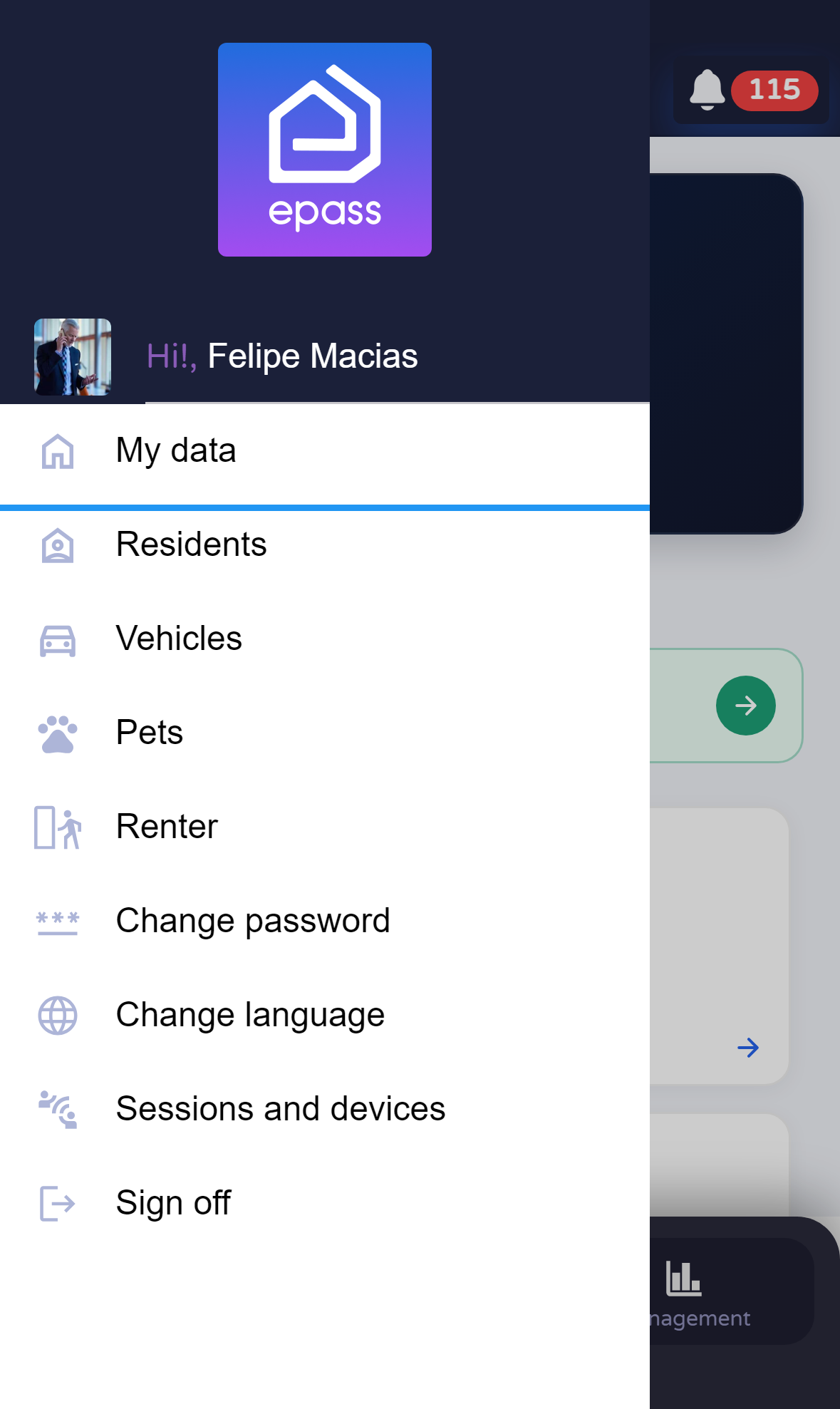
Open the menu and tap My data
From Home (or your main tab), open the side menu. Tap My data (home icon).
Screenshots may show a blue outline around the row — that highlight is only for the manual.

Document version 0.0.1 · Generated 20 Apr 2026, 19:43
PDF: in the browser use Ctrl+P (or Cmd+P) → Save as PDF to share or archive.
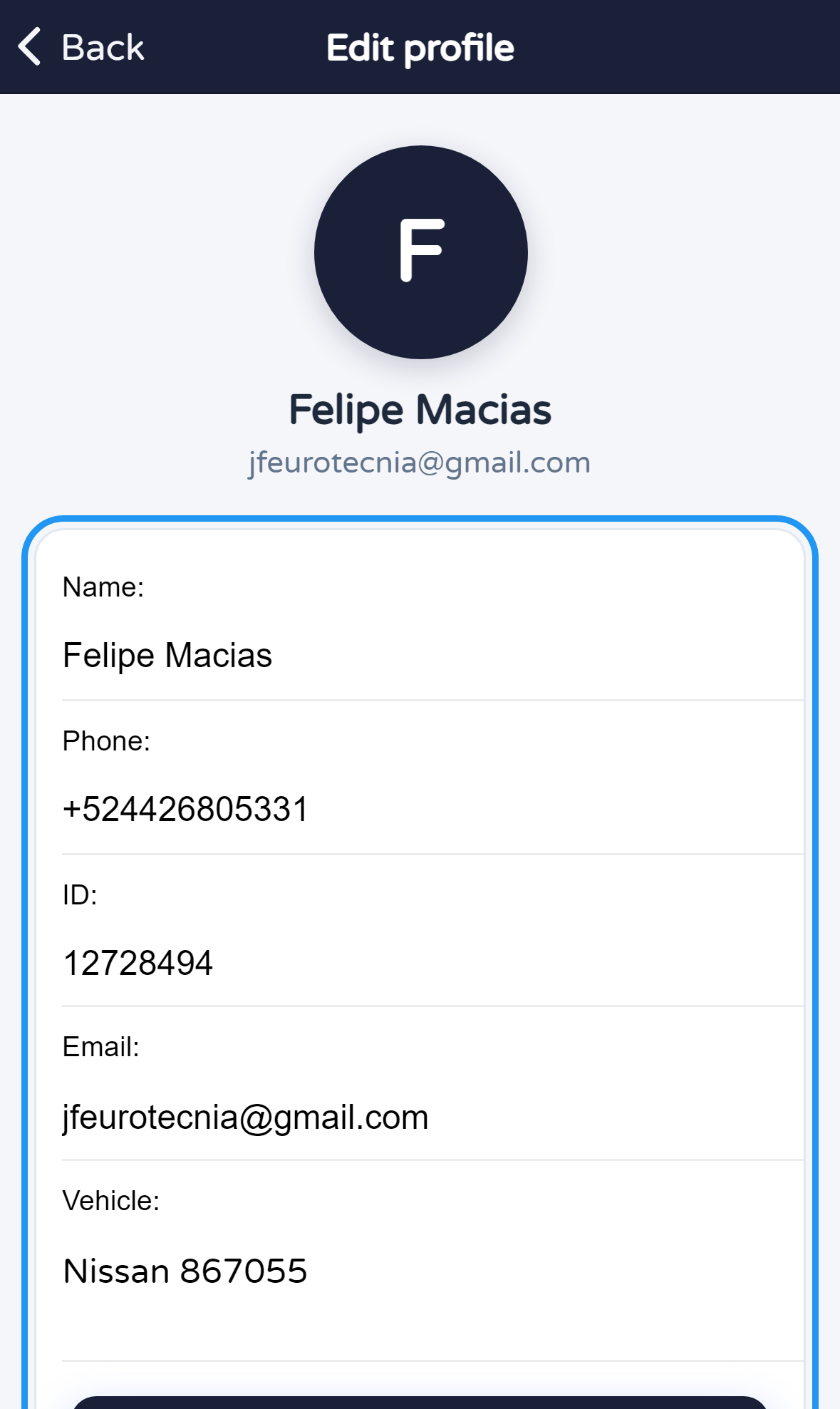
Steps to review and update your personal information (name, phone, ID, email, vehicle notes) from the side menu.
Your community may require certain fields; if saving fails, read the message on screen.
Before you start
What you will do
Open the menu, choose My data, confirm in the dialog, then edit your details and save when you are ready.
Steps
From Home (or your main tab), open the side menu. Tap My data (home icon).
A dialog asks if you want to edit your profile. Tap Edit to continue (or Cancel to stay on the current screen).

On the profile screen, change the fields you need and tap Save (or the equivalent action with the save icon).
Quick tips